
Blue Fern Offboarding Checklist
Essential post-launch steps for optimal site performance.


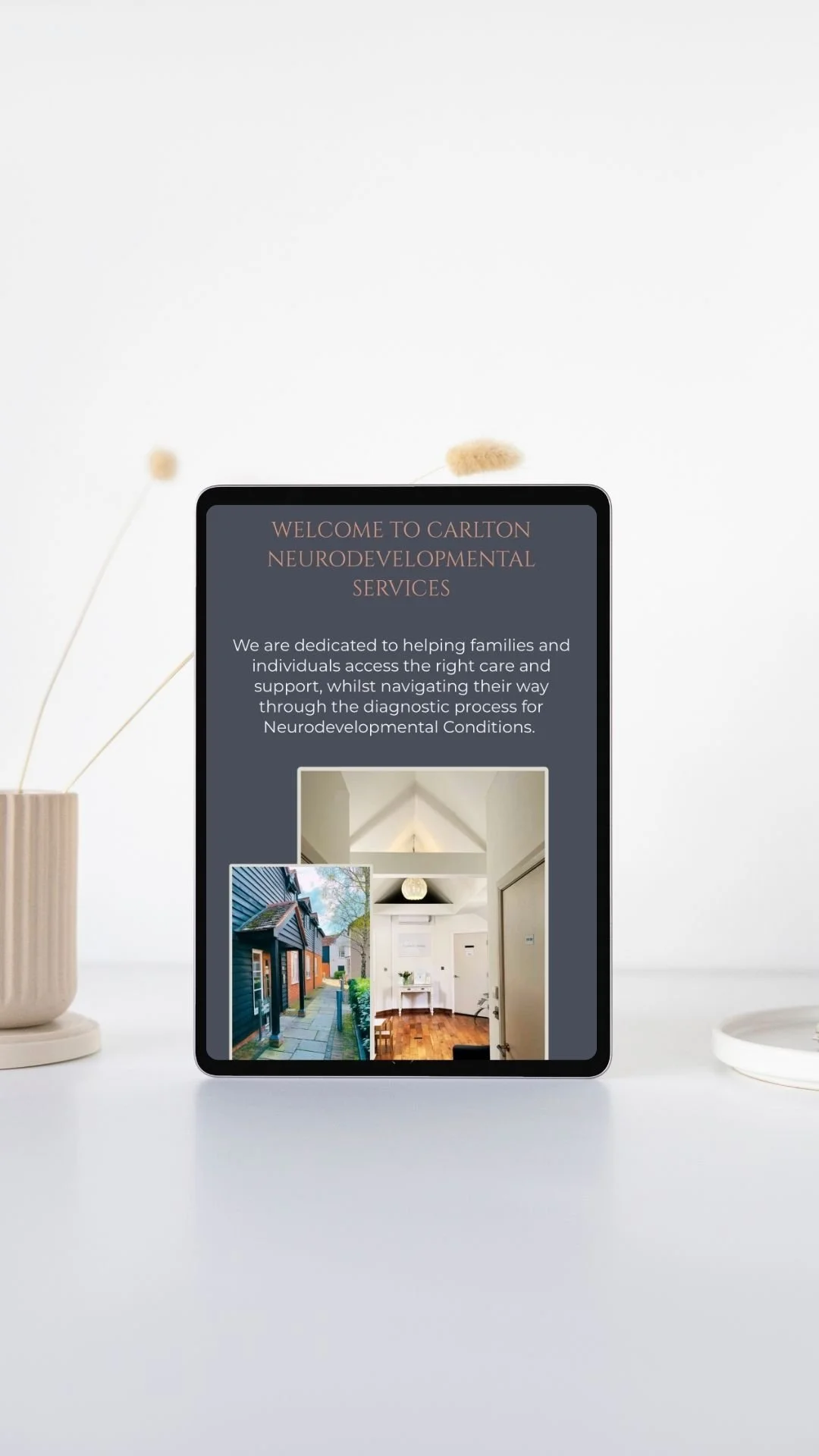
Congratulations on Your New Site
⌂
Congratulations on Your New Site ⌂
Step 1 Connect Google Search Console
Log into your Squarespace site
Go to Analytics > Search Keywords
Click Connect and sign in with your Google account
Click Allow to grant permissions
Wait up to 72 hours for data to populate
Step 2 Submit Your Sitemap
Go to [Google Search Console](https://search.google.com/search-console)
Click Sitemaps in the left menu
Enter: `yourwebsite.com/sitemap.xml`
Click Submit
Why it matters - it helps Google find and index your pages faster, improving your search visibility.
Step 3 Set Up Google Analytics (Optional: For Deeper Insights)
Create a free [Google Analytics account](https://analytics.google.com) if you don't have one
Copy your GA4 Measurement ID (starts with "G-")
In Squarespace, go to **Settings > Developer Tools > External API Keys
Paste your Measurement ID in the Google Analytics field
Click Save and allow 24 hours for data to appear
Why it matters - Squarespace has its own built-in analytics which covers the essentials such as page views, traffic sources and visitor data. GA4 is worth setting up if you're running Google Ads, want deeper SEO insights, or need to track specific goals like form submissions.
Step 4 Backup & Understand Your Content
Familiarise yourself with the Pages panel
Know where your blog posts, products and main pages are located
Understand which pages are "Not Linked" (live pages, but not linked on main navigation)
Review any custom code or integrations that were added (optional)
Why it matters: it helps you maintain and update your site confidently.
Where to Find Things
What you may need and where to find it:
Change billing info | Settings > Billing
Add/remove users | Settings > Permissions
Analytics data | Analytics panel (left menu)
Domain settings | Settings > Domains
Edit pages | Pages panel (left menu)
Site styles/fonts | Design > Site Styles
Add integrations | Settings > Connected Accounts
Code injection | Website Tools > Code Injection (Business plan subscription or above)
Helpful Resources
Squarespace Help Centre https://support.squarespace.com
Squarespace Circle Blog https://circle.squarespace.com/blog (for design tips)
Final Notes
Renewal dates - check when your Squarespace subscription and domain renew
Keep your payment method updated to avoid service interruption
Save your login credentials securely
Mobile-first. Always check how updates look on mobile view, if you make any design changes to your site.
Need help? Contact me at hello@blue-fern.co.uk
Congratulations on your new website!

Client Feedback
“Before the project started, I felt overwhelmed with running my website and marketing - I didn’t know how to move forward.
Emily quickly identified a plan to create a website that would support my business, and one that works! I have been delighted with the service provided, thank you.”

“I needed to grow my sales and branch out of social media selling. Emily turned my many creative ideas into a beautiful E-commerce website that has transformed my business.
From clever design features, colours, font suggestions, to well written copy, Emily really is the whole package.”
“Emily was professional, efficient and concise. She understood immediately the kind of look I wanted for my website.
Additional edits were done incredibly promptly and guidance throughout the process was impeccable. I cannot recommend Emily highly enough.”